
XeroLinux's Hyprland + Noctalia
Install HyprNoc with ease
What’s this?
Section titled “What’s this?”HyprNoc is an option inside the XeroLinux T.U.I Installer that installs Hyprland paired with the Noctalia Shell instead of KDE Plasma. It comes with a minimal amount of pre-configuration, just enough to give you a solid starting point without getting in your way.
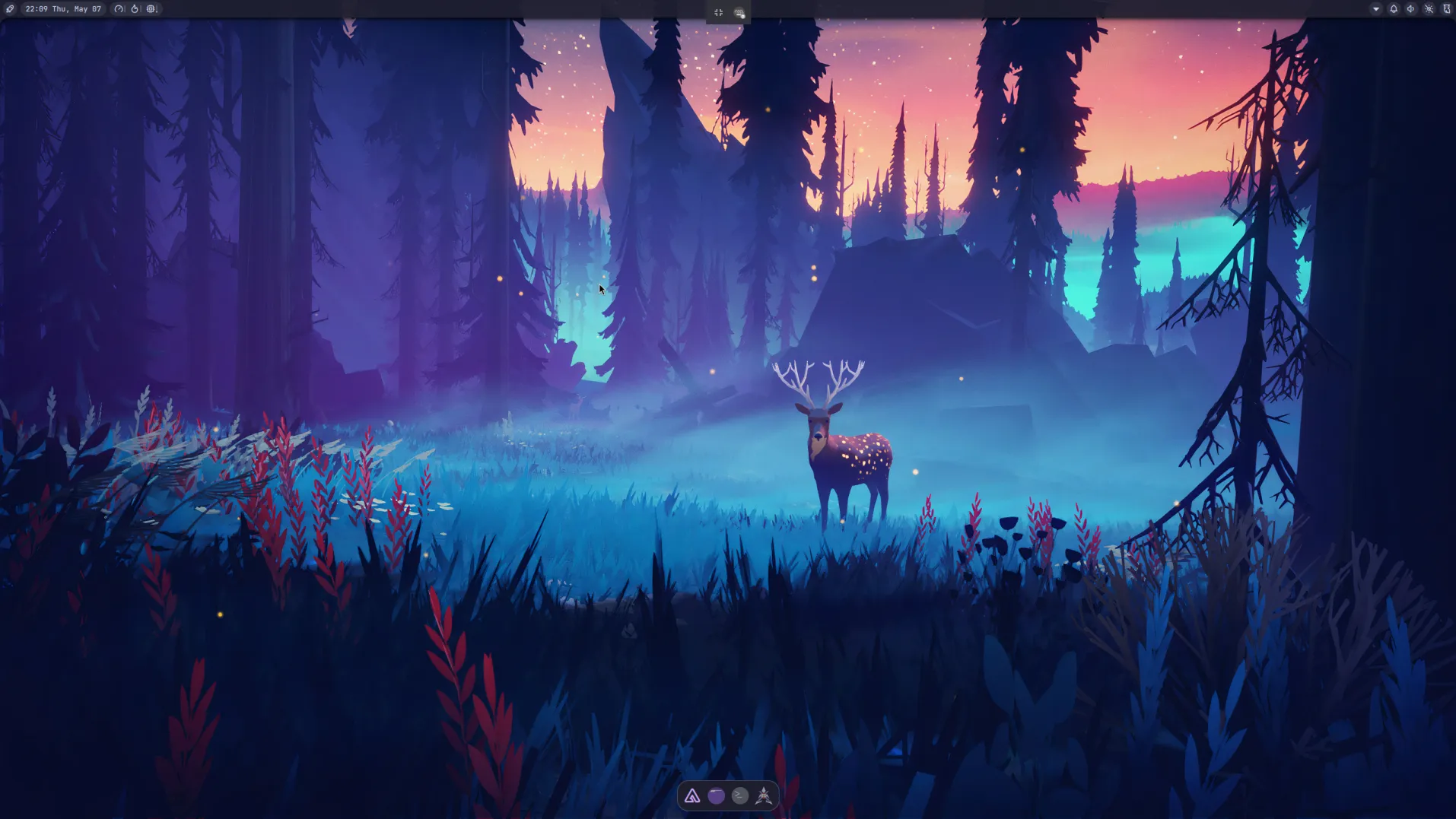
The look has been tweaked slightly so things feel put-together from the start, but keybinds, behaviour, and everything under the hood remain stock. No strong opinions baked in. From there it is entirely up to you. Configure it your way, apply a rice, pull in community configs, or use setup bots from the Hyprland ecosystem.
Why Hyprland?
Section titled “Why Hyprland?”Here at XeroLinux HQ, we chose Hyprland because we consider it the most mature and feature-rich Wayland compositor available right now. It has a well-established ecosystem, active development, and solid community support that makes it a strong default choice.

That said, it is a choice, not a rule. Noctalia Shell is not locked to Hyprland. If you prefer a different window manager, there are plenty of great options out there to pair it with. Pick what fits your workflow and your taste.
Hyprlang to LUA
Section titled “Hyprlang to LUA”Hyprland is making a significant move, replacing its old custom hyprlang config syntax with Lua scripting. The original k = v format served its purpose in the early days but grew cluttered and limiting over four years of development. Lua brings a cleaner, more readable, and far more capable replacement.
With Lua configs you get access to things that were previously plugin-only territory: timers, events, callbacks, layout data, and more, all built directly into your config. It is a proper scripting language, not a workaround.
Installation
Section titled “Installation”Hyprland + Noctalia Shell is available as a built-in option inside the XeroLinux T.U.I Installer. When going through setup, you will be presented with a choice of desktop environment. Simply select it from the menu and the installer handles the rest. No extra scripts, no manual steps. Boot in, make your pick, and walk away with a working setup.
Wrap Up
Section titled “Wrap Up”A genuine thank you to Linux Gamer Life and The Black Don for the inspiration and support that made this possible.
Watching both of them rock Noctalia Shell on Niri is what got me interested in bringing Noctalia into the XeroLinux world. They showed just how good a clean, well-paired shell setup can look and feel, and that energy was hard to ignore. Worth noting that they run Niri, not Hyprland, which is a great reminder that Noctalia is compositor-agnostic and works beautifully across different setups.
If you have not checked out their content yet, do yourself a favor and go give them a watch. You will not regret it.