💿 XeroLinux Distro 💿
🐧Info Build Status(Not ISOs)🐧
Thank you
Before we begin, I would like to tell everyone of you who has supported the XeroLinux project by either getting the ISO or some merch, how much your simple act of kindness means to me. I cannot put it into words. So all am gonna say is God bless you all. I hope your kindness is reciprocated. 🙏❤️
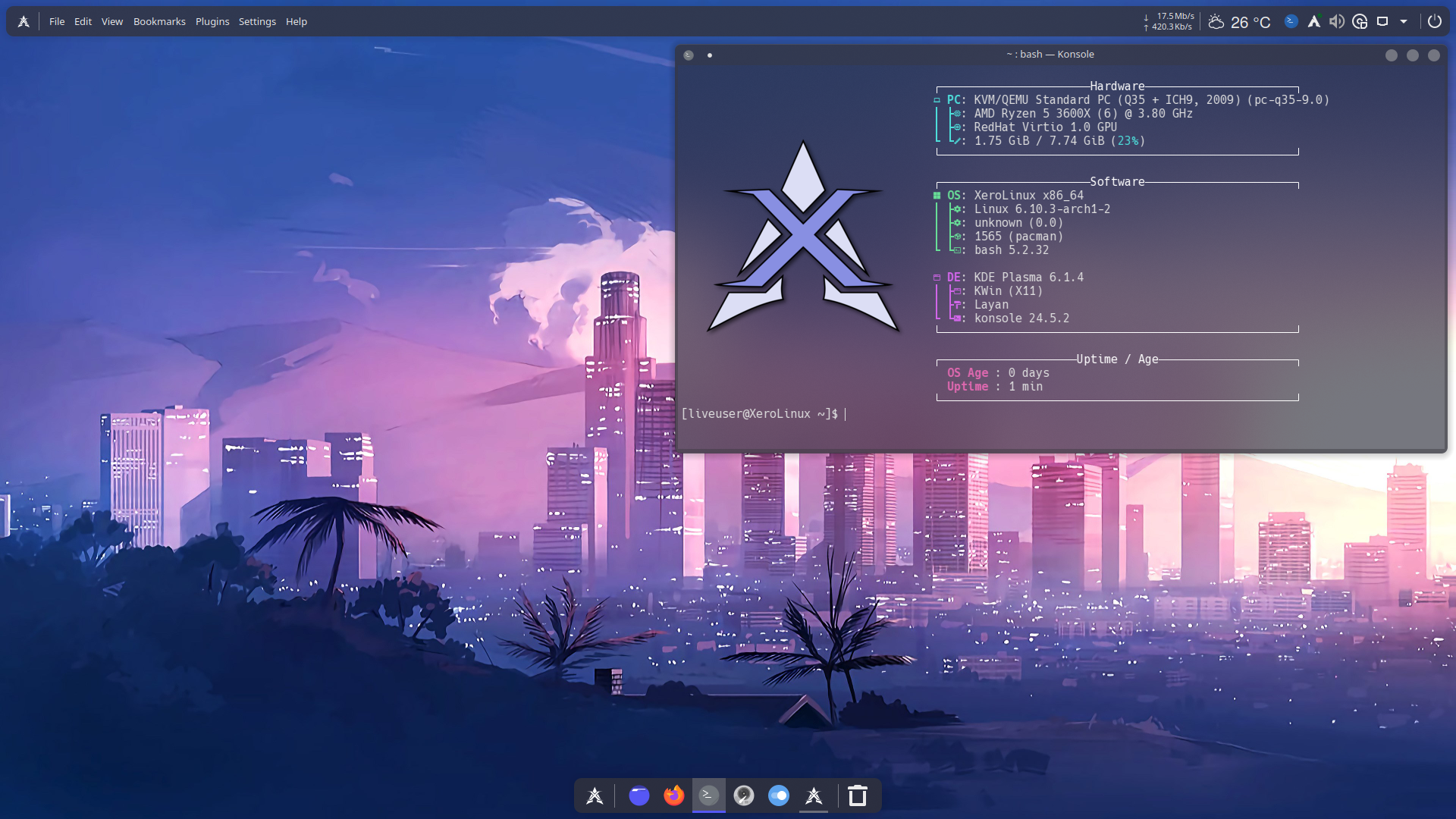
.// The Wiki \\.
📀 New nVidia ISO Added 📀
Always update & Reboot post-install before using the Distro.
Installation
Before we dive in, it's important to note that XeroLinux features KDE Plasma a powerful and distinct desktop environment. While it was designed to run on a variety of systems, for the best experience, we recommend mid-range or higher hardware. That said, they can work on low-end hardware, but performance may be less than optimal.
nVidia ISO Split
Info
If you are on one of those legacy 900/1000 Series nVidia cards, just use the Standard Intel/AMD ISO then install old 580xx Drivers through it. Keep in mind that ISO will boot in nomodeset limited which will result in a low-res display, until them old drivers are installed. Also those drivers are provided with no support/help. Just an FYI.
We have decided to split XeroLinux into two ISOs because the GPU world has become a bit of a circus. nVidia decided to retire the old 900 and 1000 series cards from the modern driver lineup, which means only shiny new RTX cards get the “VIP treatment” from the latest open drivers. Instead of forcing everyone into a one-size-fits-nobody installer, we created a dedicated nVidia ISO built specifically for RTX users, and a Standard ISO that keeps Intel and AMD systems happy.
While it’s sad to see those legendary older cards ride off into the sunset, this split actually gives everyone a smoother experience. Each ISO now does exactly what it’s meant to do, with fewer surprises, fewer black screens, and a whole lot more reliability. It’s our way of turning an unfortunate driver situation into something cleaner, clearer, and friendlier for the entire XeroLinux community.
Finally we tried our best to make nVidia ISO robust by including support for laptops by adding many other optimizations.
GPU Swap Detection
XeroLinux now includes a small background service that quietly checks which graphics hardware is inside your computer. It does this by reading standard system information (the same information shown by tools like “About This System”). When it notices that the hardware has changed, for example, if you install an nVidia card or remove one, it records the change and shows a popup notification in Plasma. Nothing runs unless something actually changes.
When you choose to continue, XeroLinux opens an easy-to-use tool that installs or removes the correct graphics drivers based on your current hardware. The tool updates system components like the boot configuration and kernel modules automatically, ensuring everything loads correctly on the next restart. This approach supports Intel, AMD, nVIdia, and hybrid setups, and it does so in a way that’s transparent, predictable, and safe for all users.
Bootable Tool
To boot into the Distro's Live Environment, all you have to do is use the tried and true Ventoy to put ISO on & boot, that way you have Grub as fallback in case SystemD-Boot fails. If you burn using Etcher or similar tools there will be nothing to fall back to. Just an FYI.
X11 is no more
We have moved completely to Wayland on XeroLinux. If you still rely on X11, please use the toolkit to re-enable it. That is a major shift by the Plasma Team, they split X11 & Wayland packages. Will be totally removed as of Plasma 6.8
Calamares Installer
XeroLinux, like many other distros uses the Calamares installer.
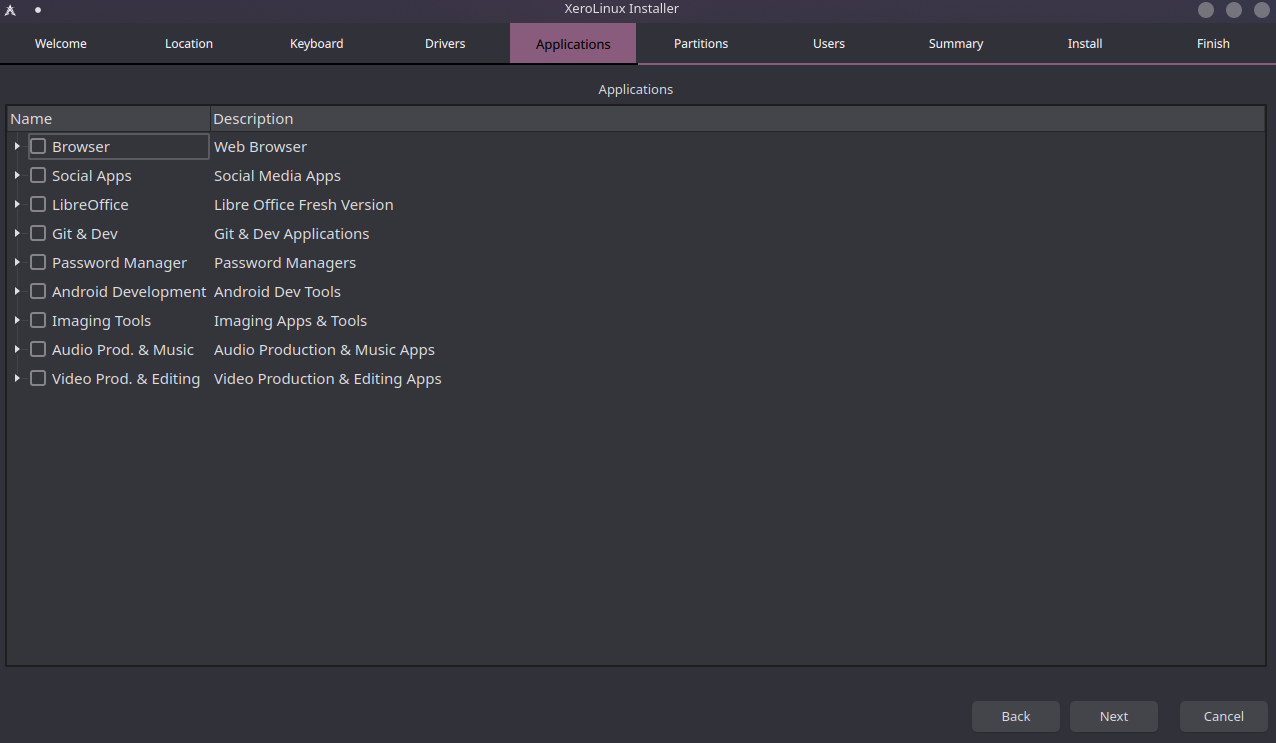
With this release, we have been able to re-enable encryption, allowing you to encrypt your drives using luks2. We have also added the ablity to update system during install, so you might notice it taking a little bit longer to be done, depends on how many updates there are, size, and your connection speed. Please be patient while it does that.
XeroLinux Toolkit
I highly recommend using the toolkit (the first icon on the dock) to streamline your initial setup experience. It was designed to make the process much smoother and more pleasant. Keep in mind, however, that it's not meant to handle everything for you, just the essentials.
If you already are using XeroLinux updating will prompt you if you want to replace old toolkit with new GUI one, please answer with y to do so. Upon doing that you will notice that icon on the Dock will disappear, to update it please run the following command followed by rshell :
sed -i.bak \
  -e '\|^localPath=/home/|d' \
  -e 's|^url=file:///usr/share/applications/xapit-cli.desktop$|url=file:///usr/share/applications/xero-toolkit.desktop|' \
  "$HOME/.config/plasma-org.kde.plasma.desktop-appletsrc"
Fingerprint GUI Tool
A new fingerprint GUI tool was created in-house for XeroLinux. Easy to use. Optionally available via the toolkit.
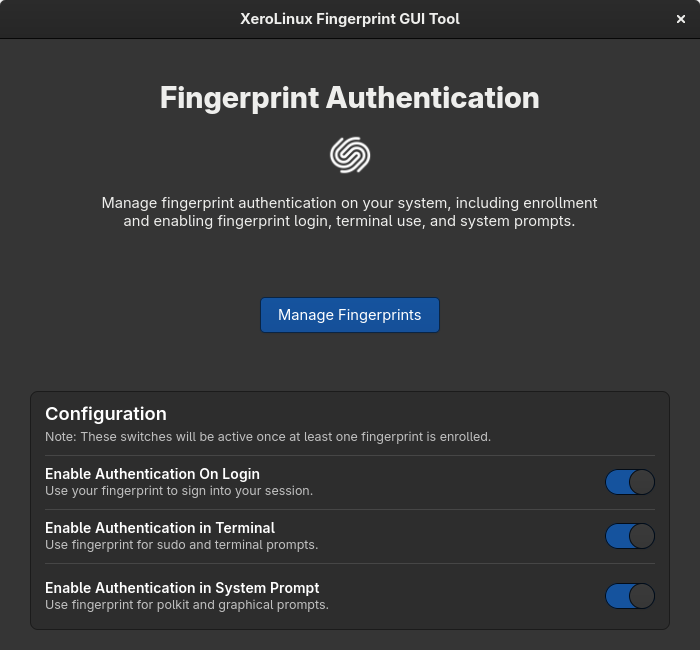
Note : Polkit (GUI) might continue to prompt for password, just swipe your finger and it will authenticate. Terminal works. As for SDDM and more info Click Here.
Supported Filesystems
Also, the currently supported Filesystems are, xfs, xfs and BTRFS, though it's on you to figure out how to use this beyond Timeshift. We have also re-enabled Encryption which now uses luks2 instead of luks1 making it more robust.
zRAM Swap Support
We have added zram support via zram-generator as well, which is similar to swap just faster. To check status run the zramctl --output-all command. Read the wiki and configure it to your needs.
GUI Package Managers
Additionally, I'd like to point out that no GUI package managers are included by default, as I believe in giving you the freedom to choose the one that suits your workflow best. Through the provided toolkit, you can select from Octopi, Bauh or Bazaar. That said, I strongly advise against installing KDE's Discover if you're aiming for stability; it's notoriously troublesome. But, as always, the final decision is yours.
Kernel Manager/SCX
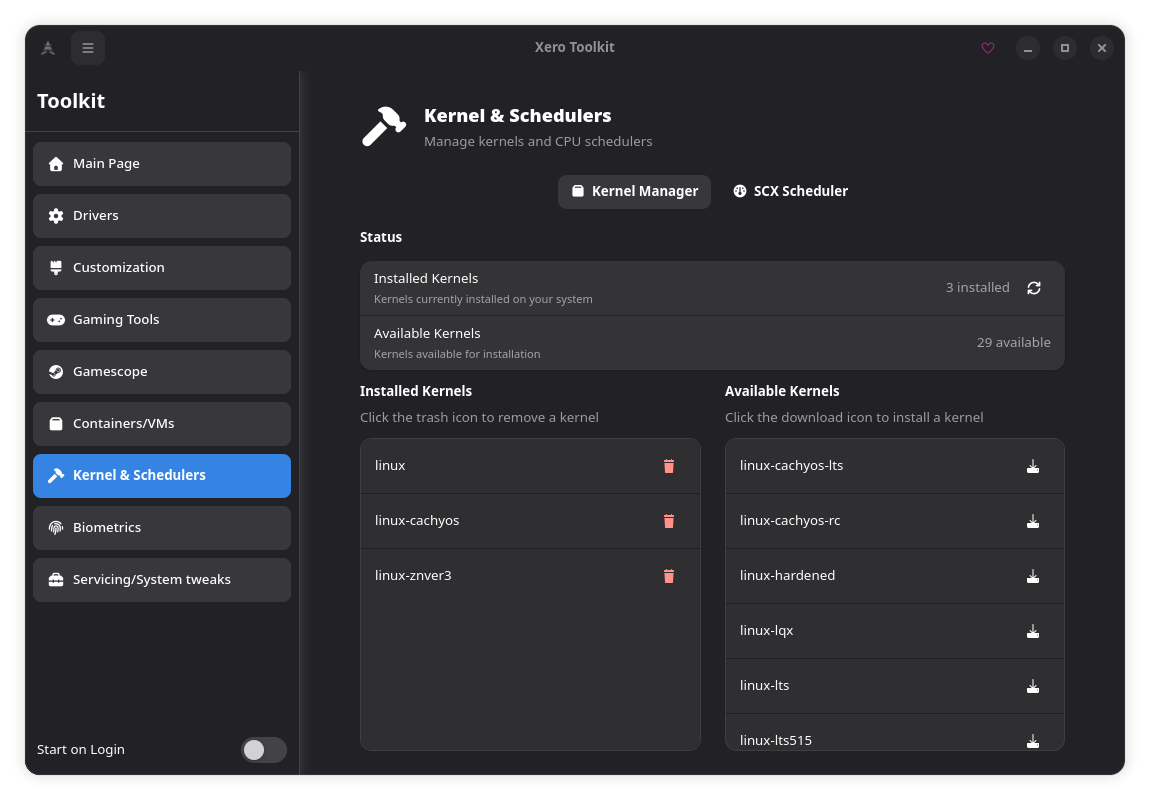
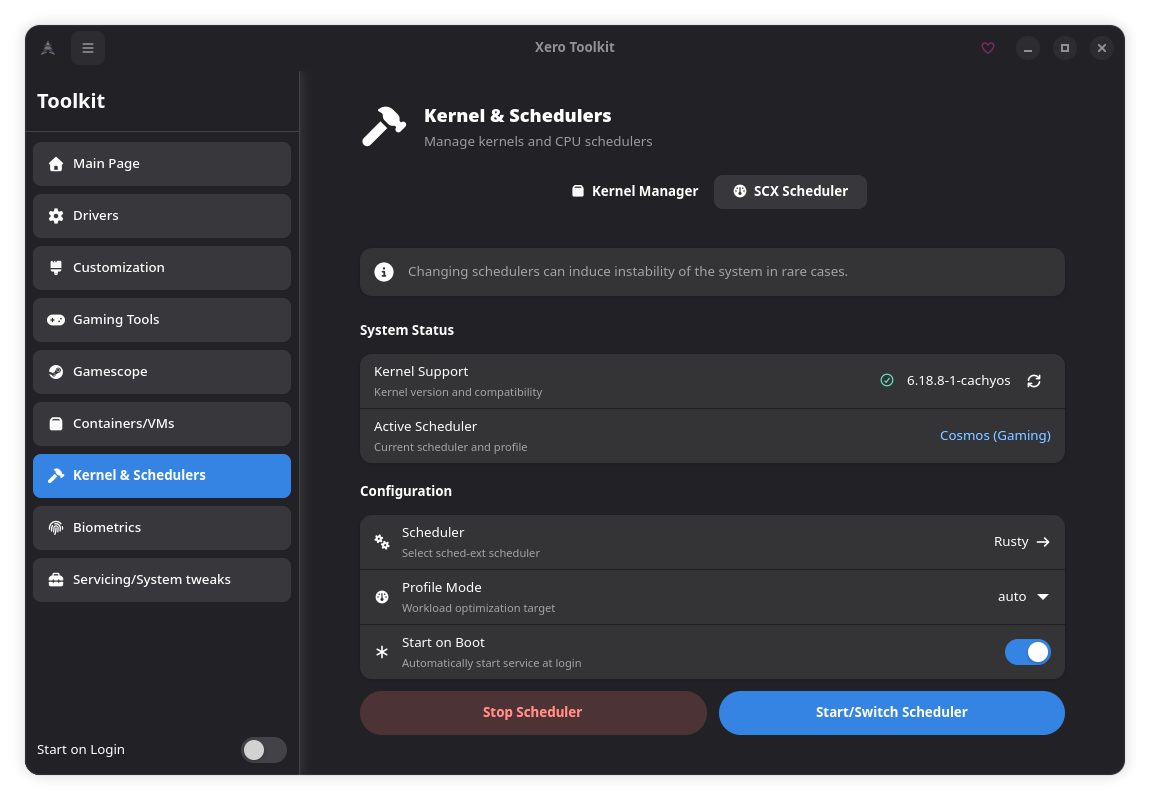
We now include a KernelManager and Scheds-ext tool in the toolkit for you to tweak running Kernel to work for every need !
Issues/Fixes
If at any moment while using it, you get the unkown key "%INSTALL_DB%" in local database issue during update, please run the following command in terminal :
Or use the Pacman DB Fix in the toolkit under Servicing/System Tweaks section ;)
That's it. Hopefully nothing else exists.
Support
If you encounter any other issues or have questions directly related to the installation, feel free to reach out to me on Fosstodon or Discord. Please do not ask ok Ko-Fi. All relevant links are provided in the footer, and I'll do my best to assist you.

However, if your questions are related to your specific hardware, I may not have the answers you're looking for, as my knowledge is limited to what works on my own systems. For hardware-specific queries, your best resources are the ArchWiki, or on Discord.
That's it, there ain't much to it. The rest is in your hands now. Dive into the toolkit, poke around, and see if there’s anything that catches your fancy. Just don’t blame me if you get lost in the endless sea of tweaks and options 🎉